The Easy Guide to Setting Up Your Smart Plugs
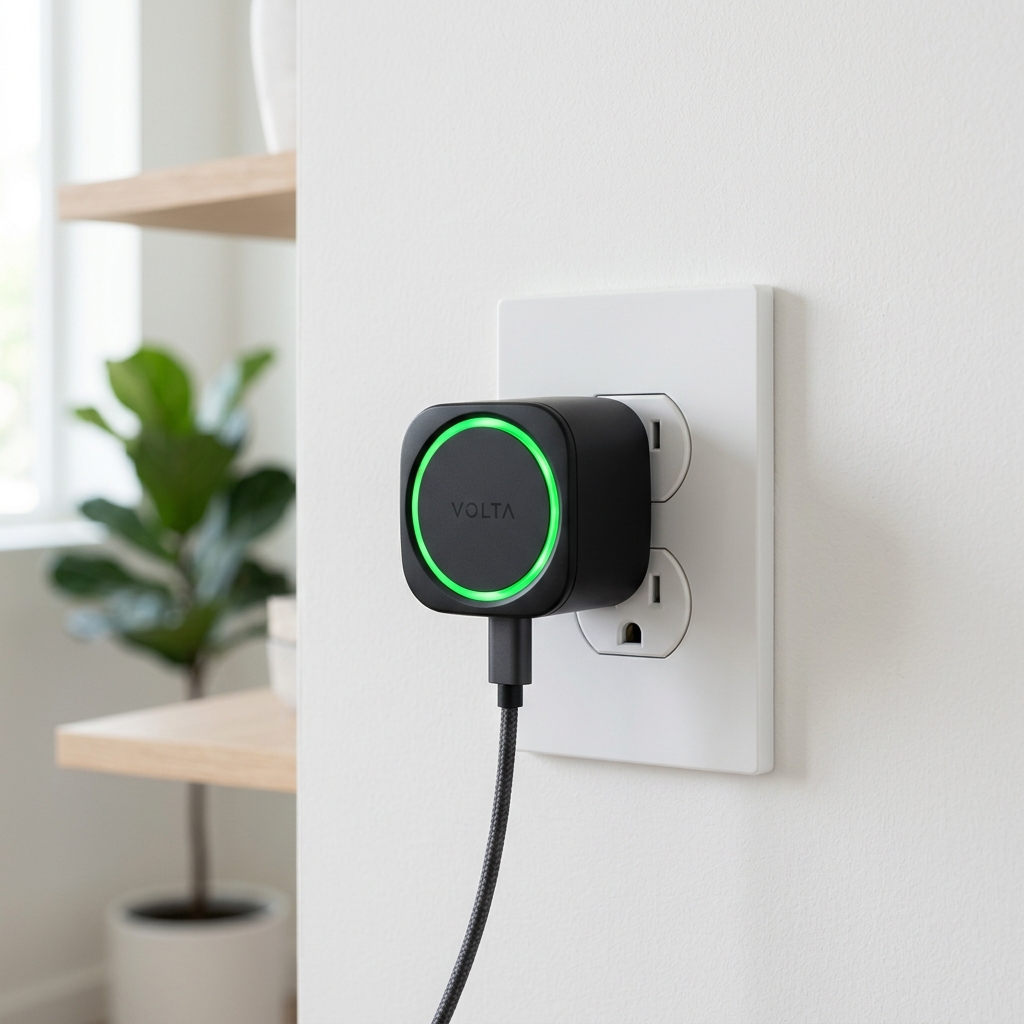
Smart plugs are the easiest way to start your smart home journey. When we first got our own plugs, we didn't know what to expect, but we were pleasantly surprised by how simple they were to set up. Here's a look at some of the most reliable brands and how to get them running.
TP-Link Kasa (Our Favorite)
TP-Link Kasa plugs are our go-to for reliability and ease of use. To set them up, simply download the Kasa app on your phone, plug the device into any outlet, and follow the in-app instructions. In our experience, they connect almost instantly and almost never drop their network—a huge plus!
Philips Hue Smart Plug
If you’re already using the Philips Hue lighting system, their smart plug is a natural fit. It works seamlessly with your existing Hue Bridge and allows you to control non-smart lamps just as effectively as your smart bulbs. Setup is just as simple using the Philips Hue app.
Govee Smart Plugs
Govee is a newer brand that we’ve been testing recently, and we’re impressed with their value. Their app is intuitive and walks you through the connection process step-by-step. They're a great budget-friendly option when you want to automate multiple devices around your house without spending a fortune.
Quick Setup Tips
- Make sure your WiFi is on 2.4GHz: Almost all smart plugs only support this frequency.
- Turn on Bluetooth: Many modern plugs use Bluetooth to simplify the initial hand-off between your phone and the device.
- Keep it Close: We recommend setting up the plug in the same room as your router first, then moving it to its final location.
Conclusion
Smart plugs are the building blocks of any connected home. Whether you're automating your coffee maker or your bedside lamp, they're the easiest way to add control to almost any device in your house.